
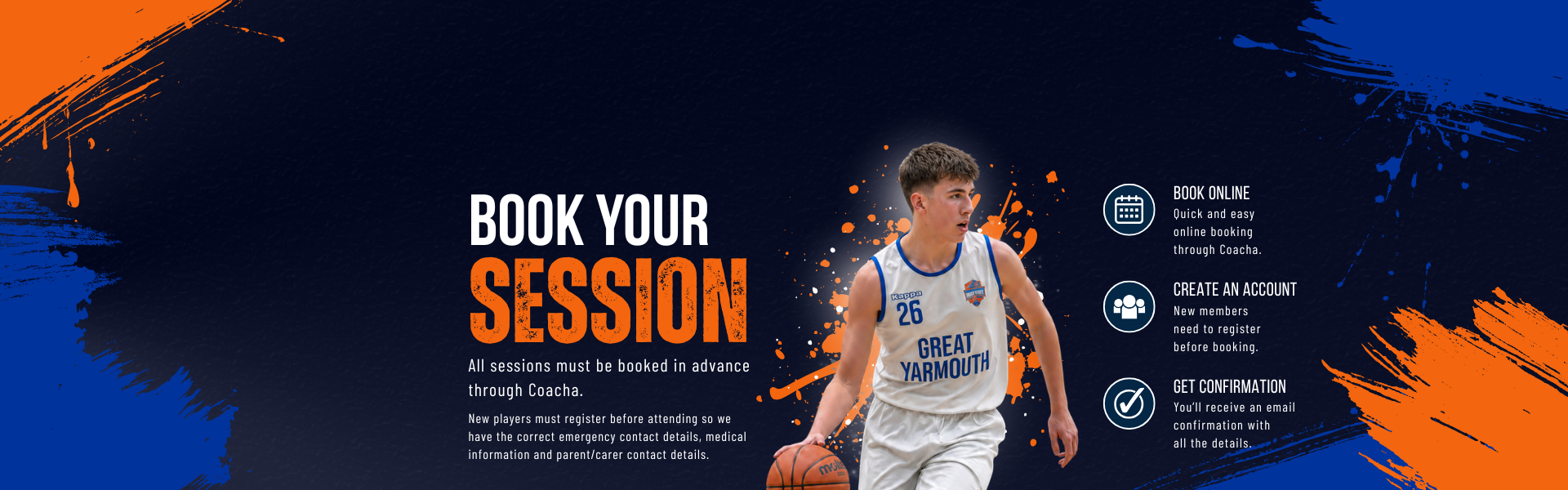
BOOK A BASKETBALL SESSION
This page is for booking Great Yarmouth Basketball Club sessions through Coacha.
New to GYBC?
Your first club session is free. Register through Coacha, choose an appropriate session and our coaches will help you find the right group.
Attending PAYG?
Development players who attend training without joining a team, and suitable Men’s players, should book each session through Coacha before attending.
Already a monthly member?
Development and Performance team members paying by monthly Direct Debit are added to their regular sessions by the club and do not need to book each week.
Looking for primary-age beginner basketball?
Children aged 6–11 who are new to basketball or not yet ready for team basketball will usually be best suited to Coastal Ballers, which is booked separately.
CHOOSE THE RIGHT ROUTE
GYBC sessions are booked through Coacha. Coastal Ballers uses a separate booking site.
HOW TO BOOK



CHOOSE THE RIGHT ROUTE
New GYBC players and PAYG Development or Men’s players book sessions through Coacha below. Primary-age beginners will usually be better suited to Coastal Ballers.
SELECT YOUR SESSION
Use the Coacha booking calendar/list below and select the correct session for the player.
COMPLETE YOUR BOOKING
Follow the on-screen instructions. You should receive confirmation once your booking is complete.
GYBC COACHA BOOKINGS
Use the calendar or list view below to book an available GYBC session.
New GYBC player? Choose a session and book a free trial.
PAYG player? Log in and book each session before attending.
Monthly team member? You do not need to book regular training sessions.
New GYBC player?
PAYG player?
Monthly team member?
Choose a session and book you free first session.
Log in and book each session before attending.
You do not need to book regular training sessions.

EXISTING COACHA USERS
Existing players can log in to find and book available sessions, view their account, club notices and session information.
Club members on monthly payment plans do not need to book their regular training sessions.

NEW TO GYBC?
Your first GYBC session is free.
Register a new member account through Coacha, then choose an appropriate session.
Not sure which session to choose? View our Sessions page or contact us before booking.
LOOKING FOR COASTAL BALLERS?
Coastal Ballers provides fun, friendly PAYG basketball for children aged 6-11, particularly beginners and children who are not yet ready for team basketball.
Coastal Ballers sessions are booked separately and will not appear in the GYBC Coacha calendar above.
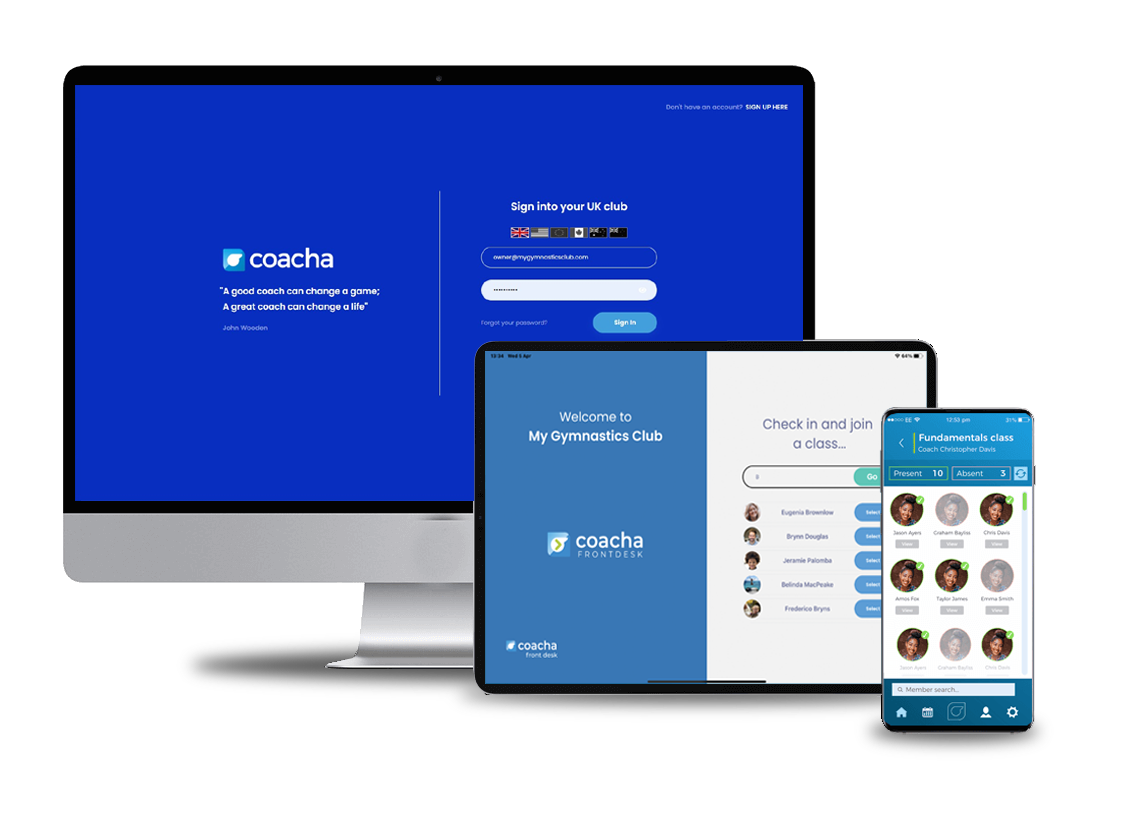
MANAGE YOUR GYBC ACCOUNT
Manage your GYBC account through the Coacha mobile app for IOS and Android.
Log in to view available PAYG sessions, manage bookings, read the club noticeboard and update your personal information.
Monthly team members can also use the app to view their regular sessions and club updates.